Course / Course Details

By - CodeNerve
A computer with a browser. Comfort with typing and basic HTML (headings, paragraphs, and links) is helpful; lesson 1 includes a quick recap.
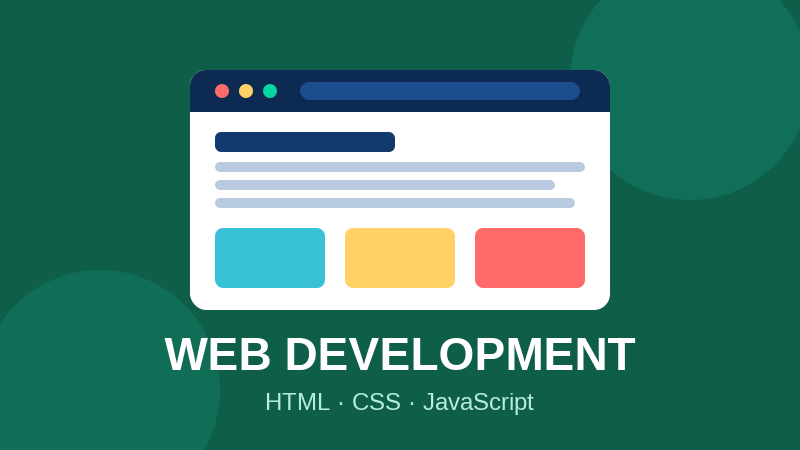
Build on your HTML knowledge in twelve guided lessons. You will create well-structured pages, forms, and tables; use CSS flexbox for layout; and add interactions with JavaScript. Each lesson includes a live code editor. The first lesson is free.
Finish by building a styled mini website with a working to-do list. Everything runs in your browser, so no software installation is needed.
Explain why semantic tags matter and structure a page with header, nav, main, section and footer.
Build a working form with input types, labels, a textarea, a select dropdown and a submit button.
Present structured data with table, tr, th and td, including header cells and captions.
Use id, class, title and data-* attributes purposefully, and combine everything in a mini project page.
Target elements exactly with element, .class, #id and descendant selectors.
Apply padding, border, margin and display to build real UI pieces — cards and a nav bar.
Lay out elements in a row with display: flex, distribute them with justify-content, and space them with gap.
Choose units (px, rem, %, vh) and colour formats wisely, add :hover effects, and style a complete mini site.
Define and call JavaScript functions with parameters and return values inside a <script> block.
Use the DOM to locate elements with getElementById and querySelector, then change them with textContent and classList.
React to users with addEventListener for click, input and submit events.
Combine DOM, events and functions to build a working to-do list widget and finish your interactive mini site.
Open the HTML + CSS + JS editor editor right here and build something of your own — free to try.
At CodeNerve, we help learners in Grades 1–12 explore coding and robotics through clear lessons, hands-on practice, quizzes, and projects. Our goal is to build practical skills and confidence.
No Review found
 Term 1
Term 2

Discover Additional Learning Opportunities
Pro
 Pro
Pro
Pro
Pro
Pro